Read This As The Funnel
The goal is a calmer path with one focus point per screen. The user lands on the homepage, starts with a URL, signs up, connects alerts if they want, runs the first check, then sees pricing. The latest pass keeps the educational lift on the landing page and keeps the account/payment steps familiar.
Before, the landing page either explained the free check abstractly or made the next section too input-heavy. After, the next section shows one page slowdown, then connects it to conversion, ROAS, and monthly upside in a single visual surface.


The previous revision tried to make signup feel like saving the audit, but the feedback was clear: familiar signup language is better here. The after state restores the simple old framing.
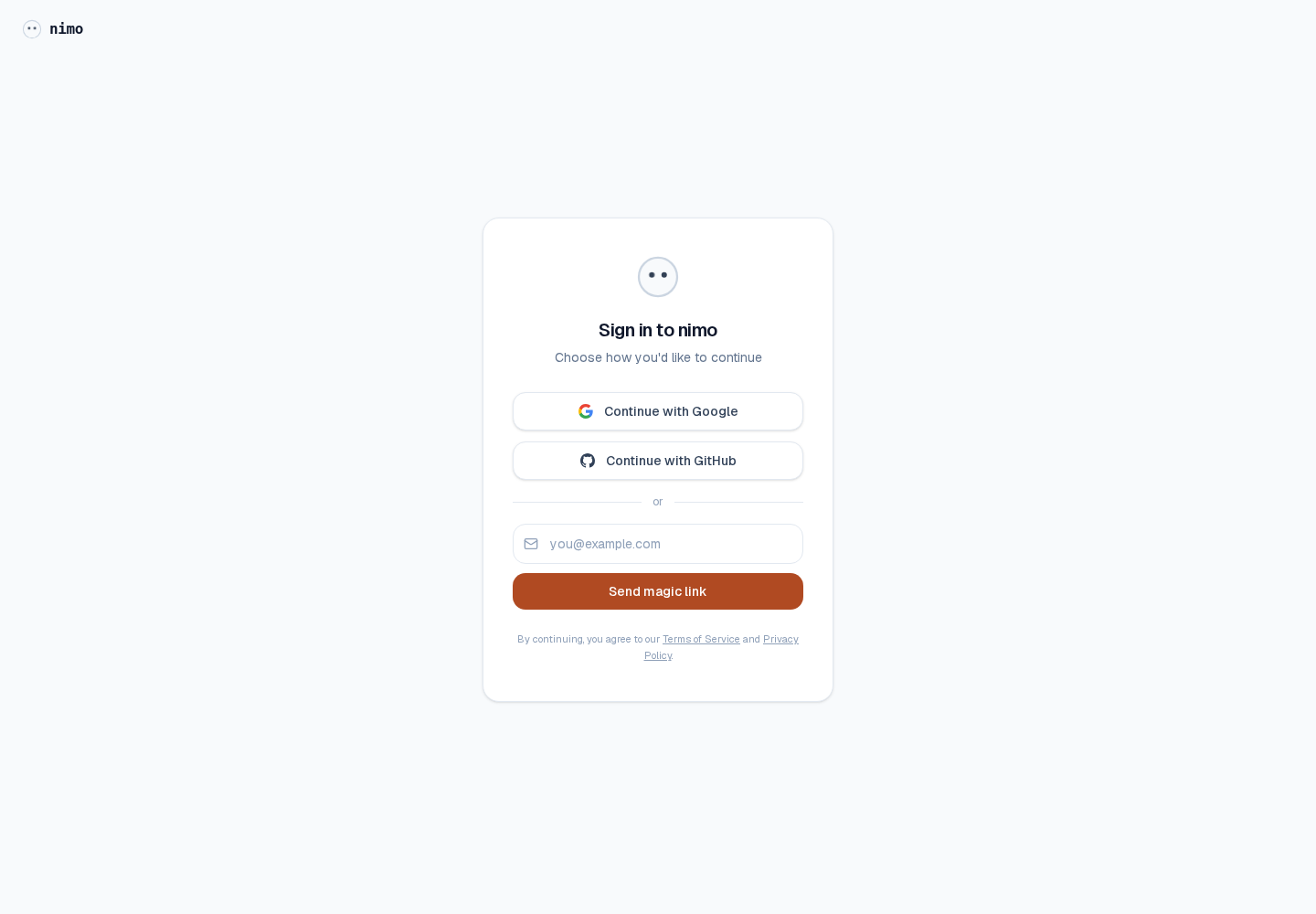
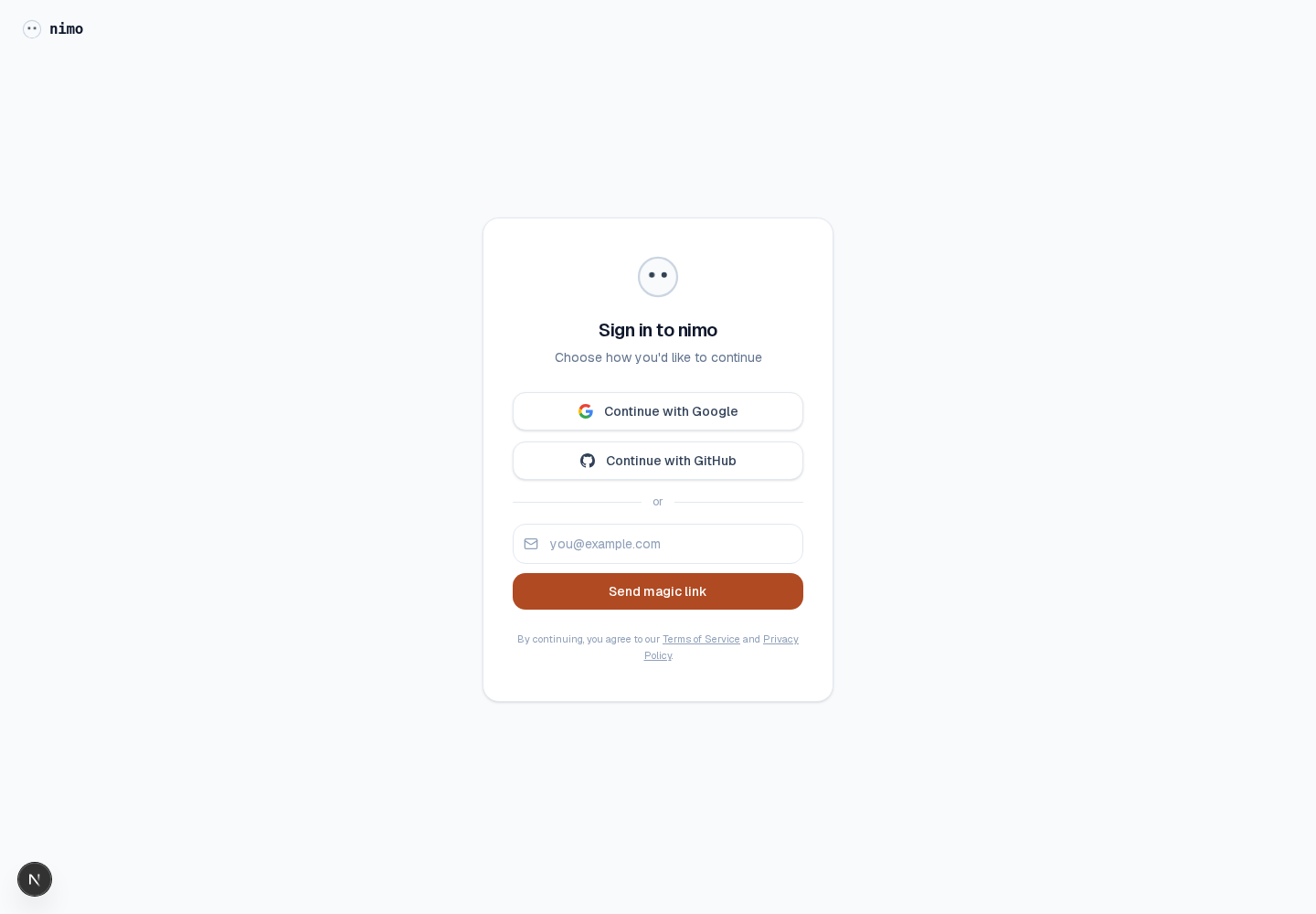
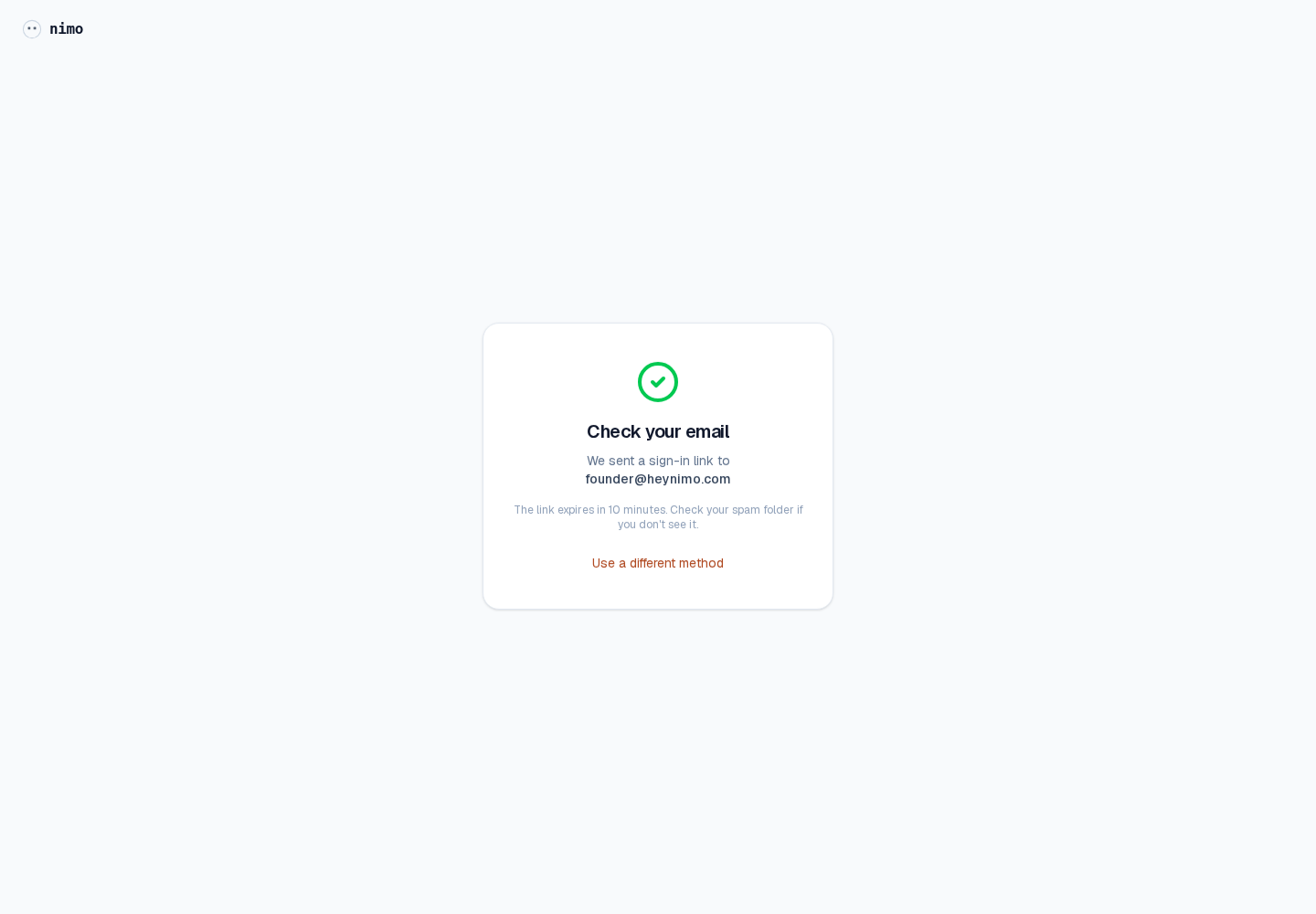
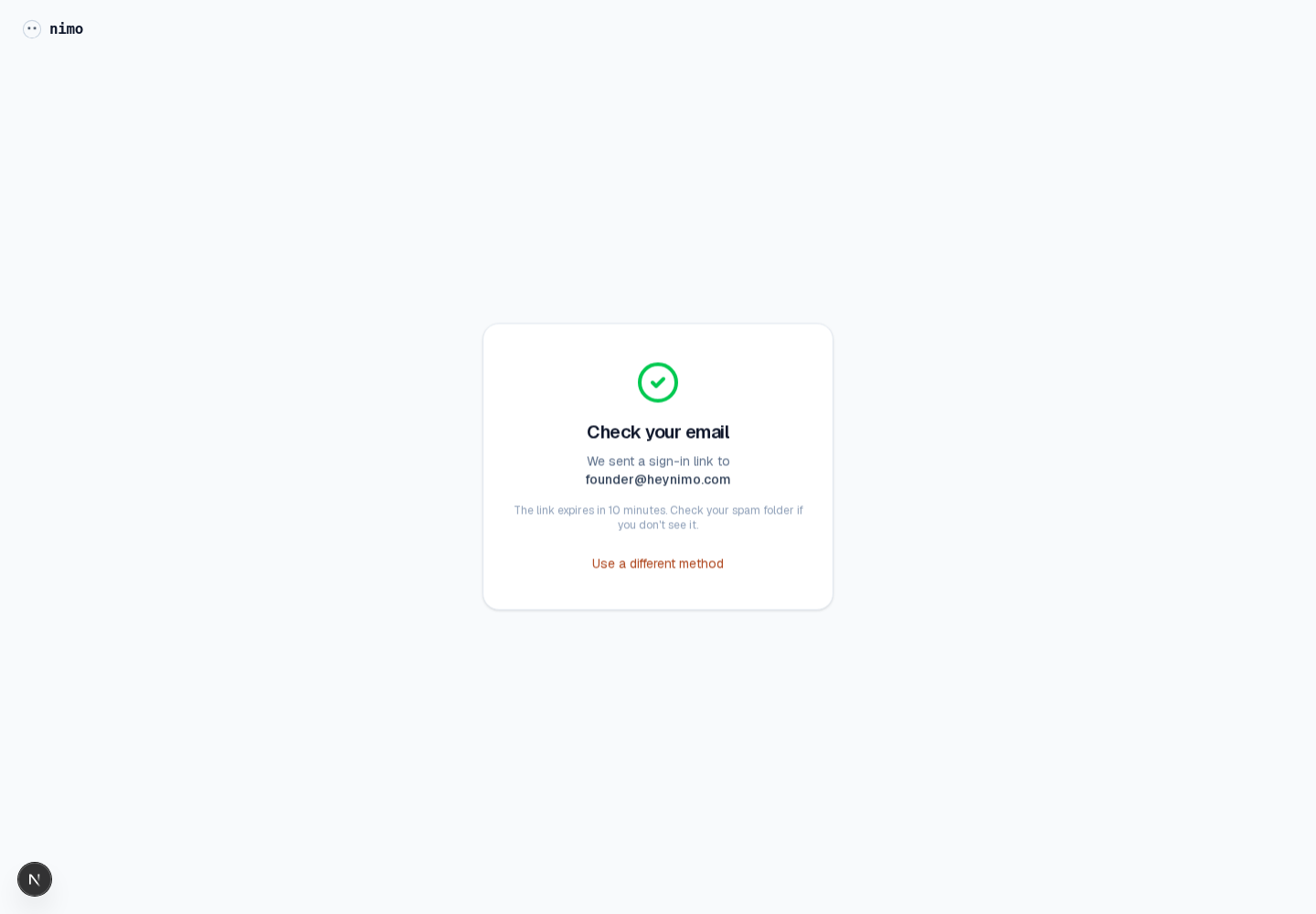
The extra continuation sentence did not add enough value. The after state keeps the message short: check your email, link sent, expiry note, and a way to use a different method.
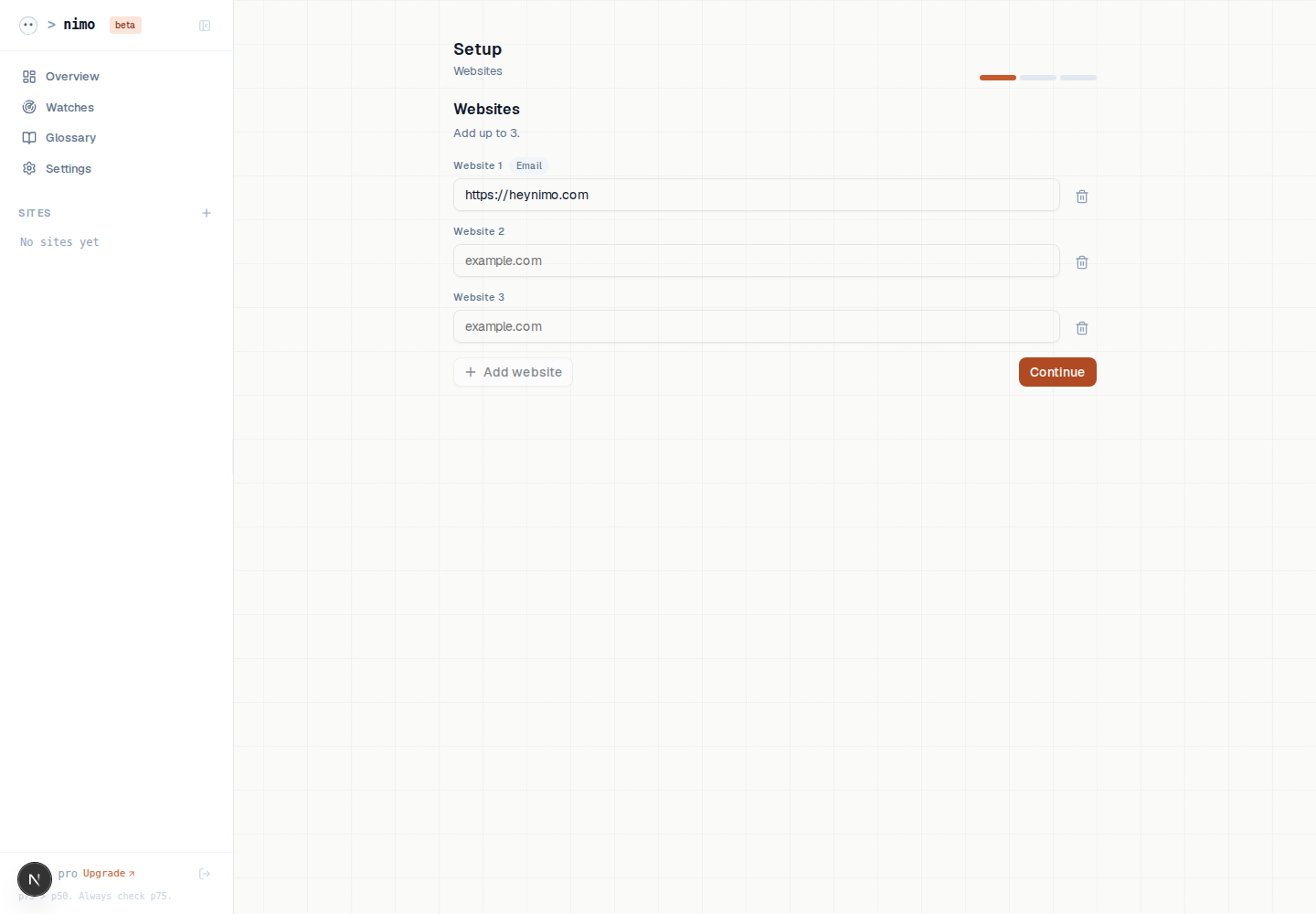
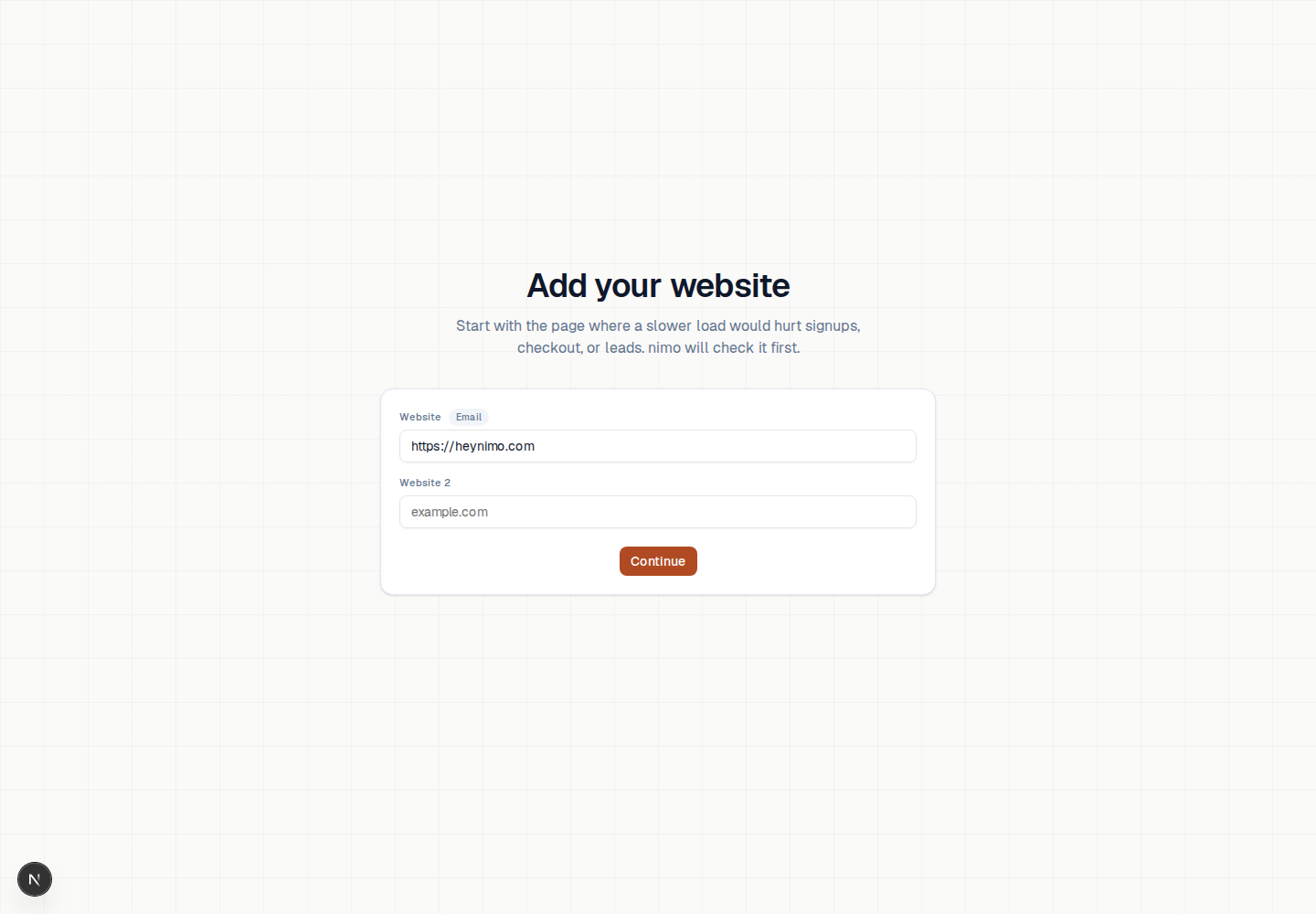
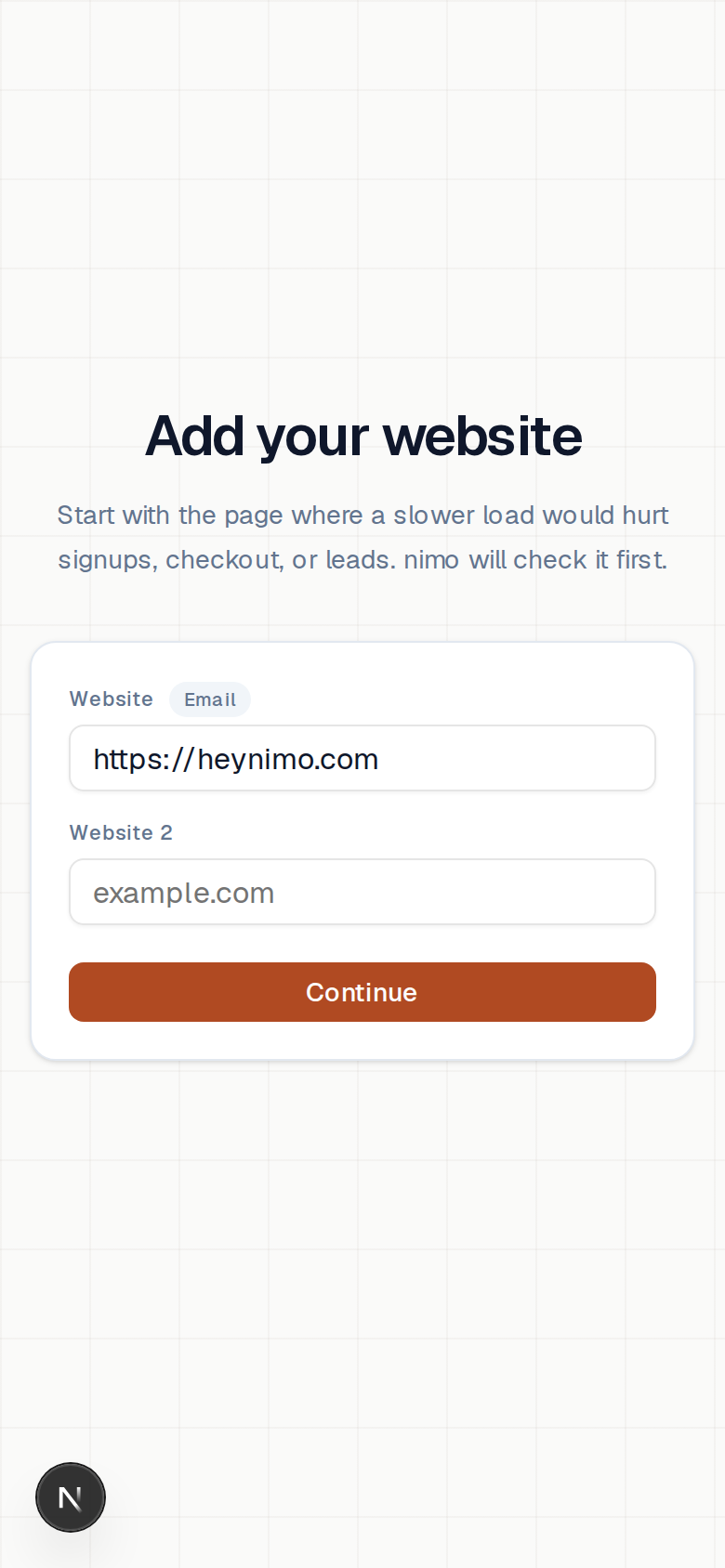
Before, the screen showed the app sidebar, an outer panel, duplicate educational copy, three fields, and an add button. After, there is one centered task with a white setup surface, stronger subtitle, no repetitive orange eyebrow, and progressive website inputs.
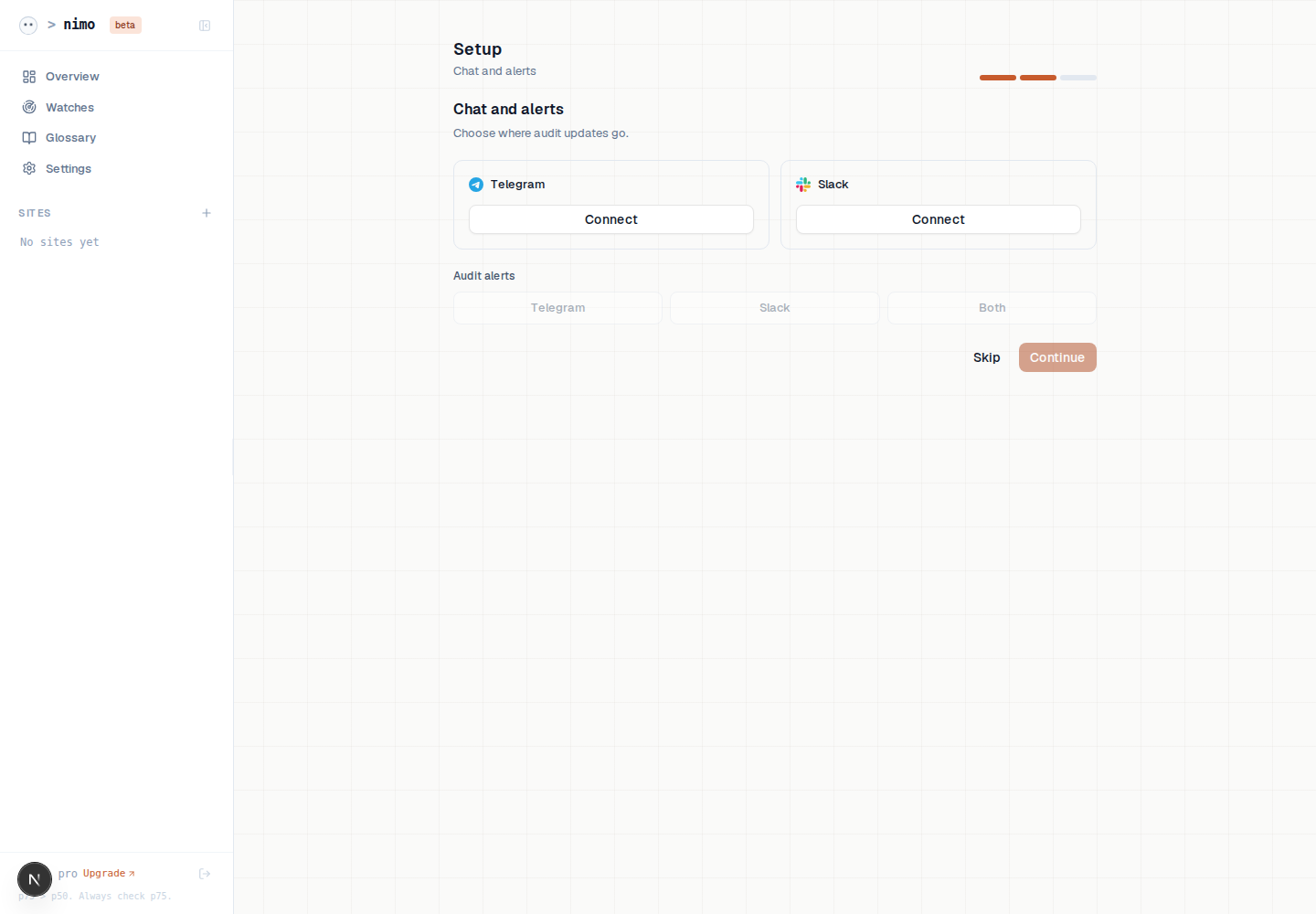
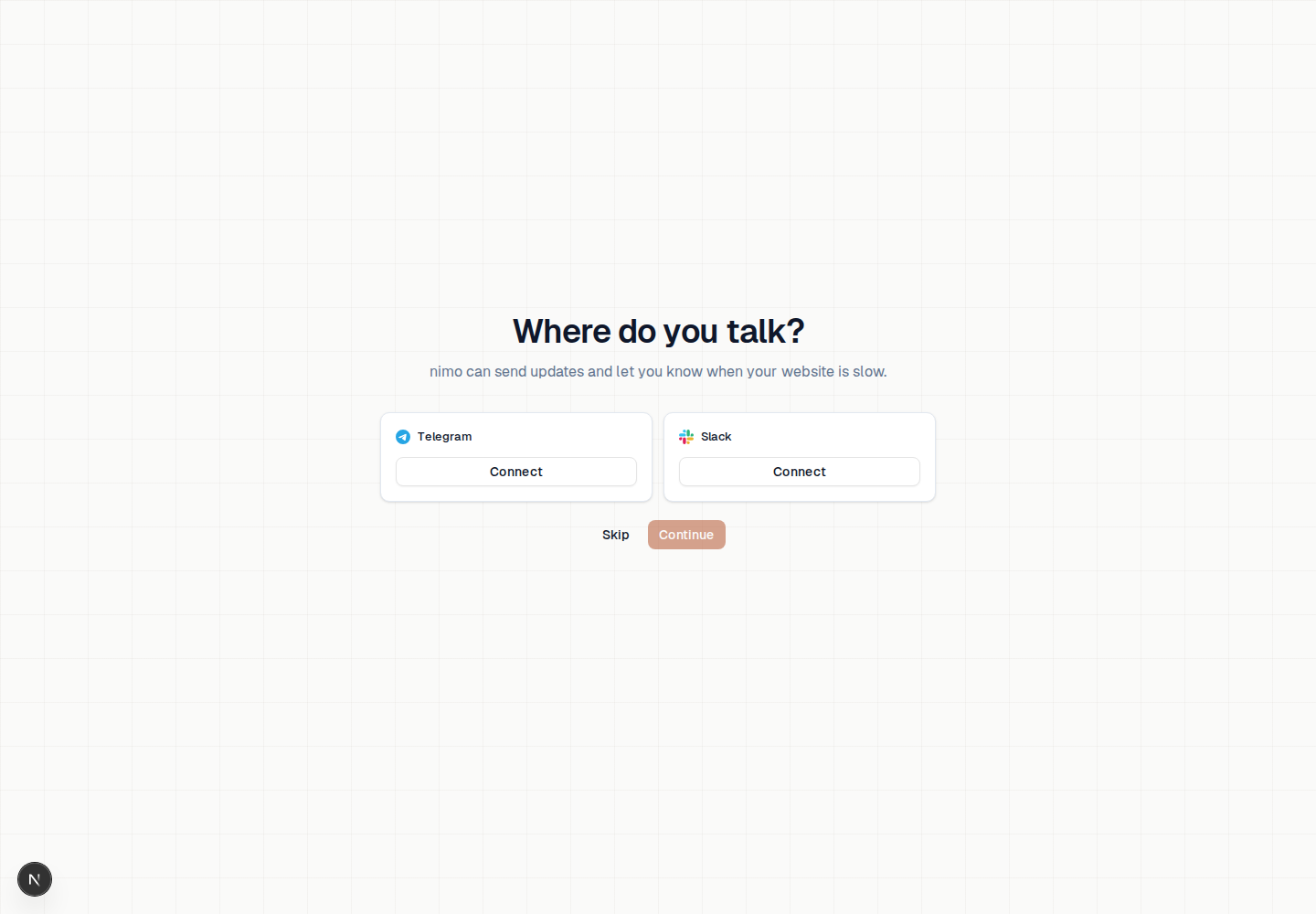
Before, tool connection and alert routing appeared together inside nested frames. After, the choice is just Telegram or Slack, with skip and continue directly underneath.
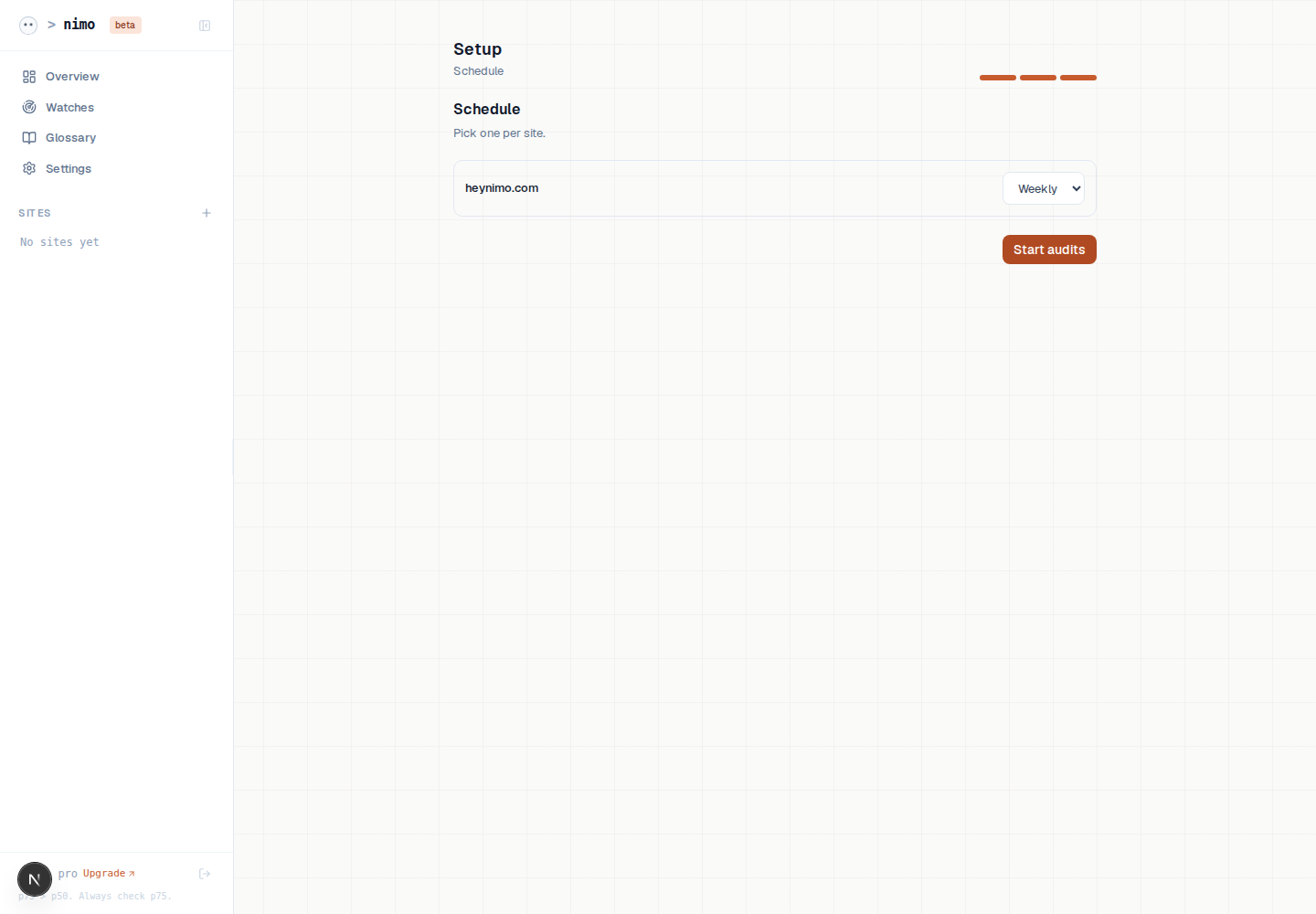
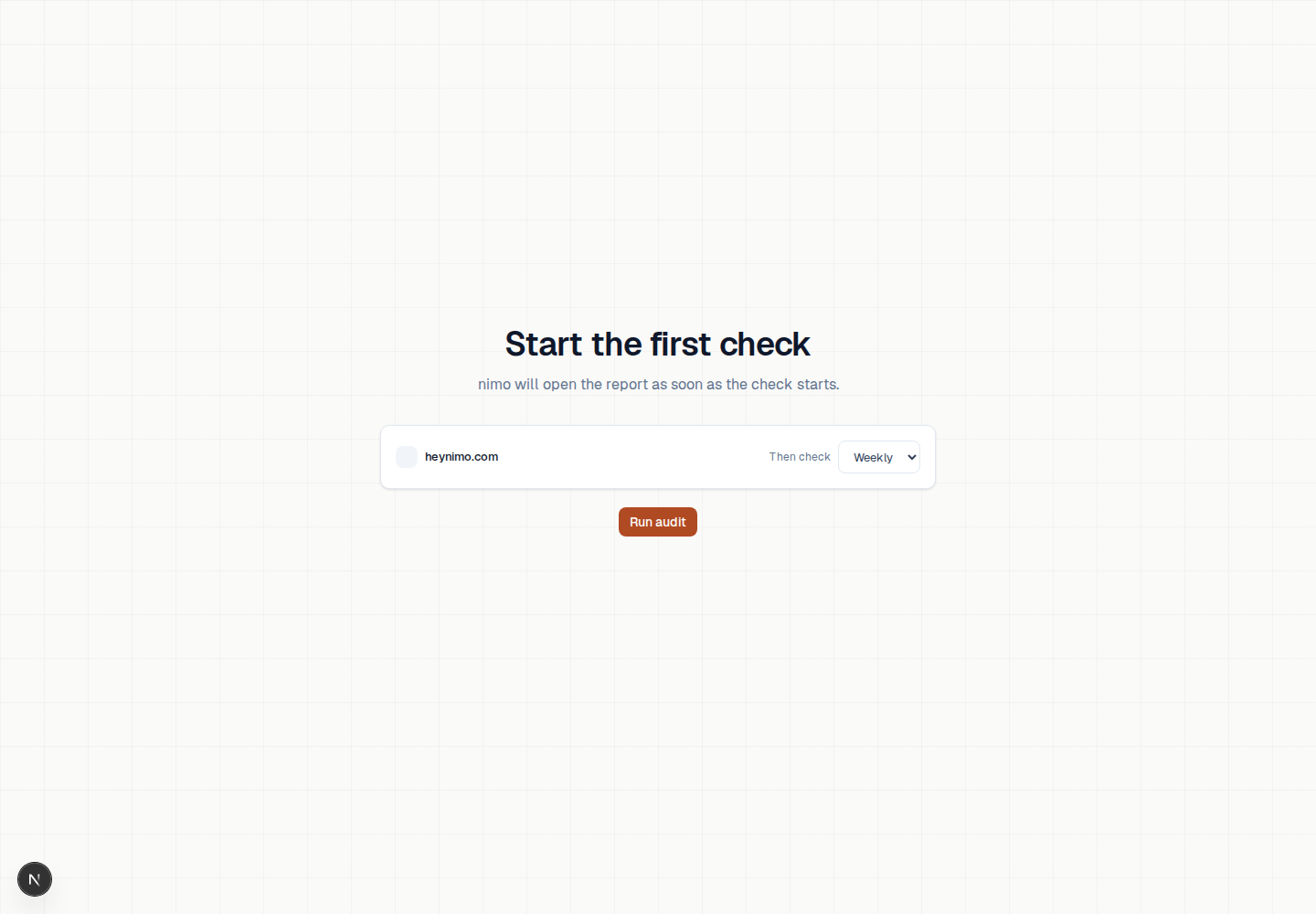
Before, the last step emphasized scheduling and repeated that the site was ready. After, the repetitive audit label is gone and the screen centers the first check plus the Run audit action.
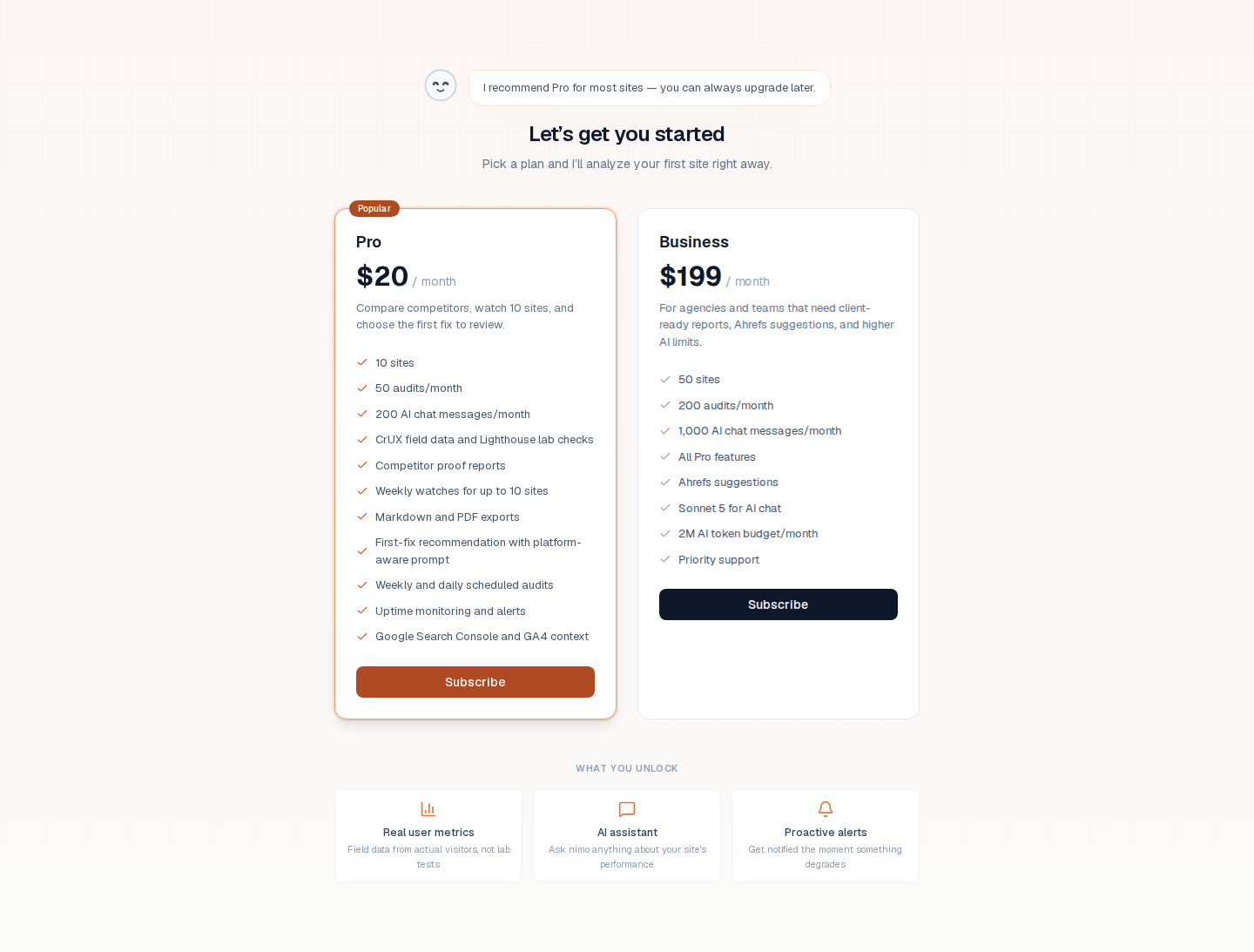
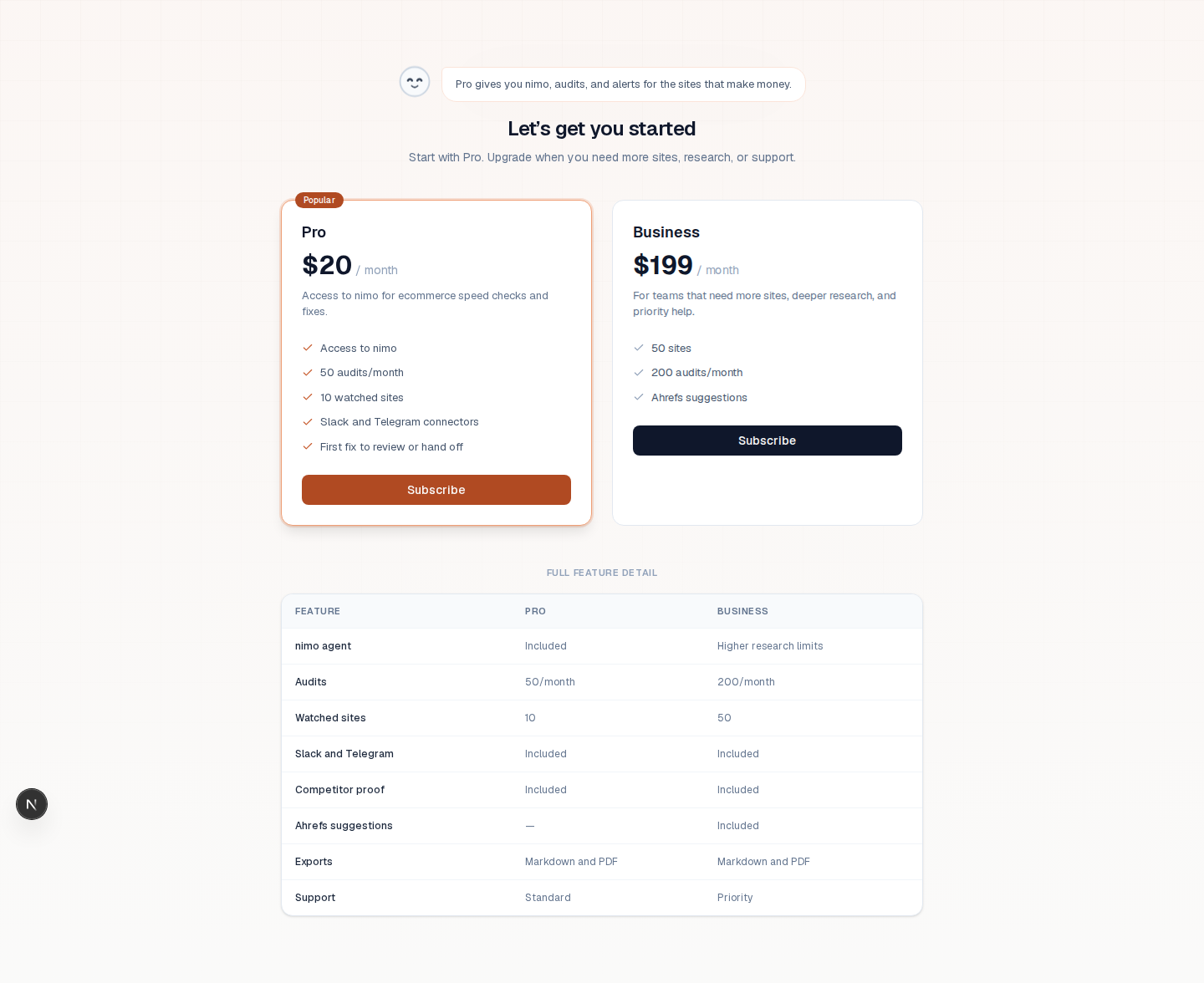
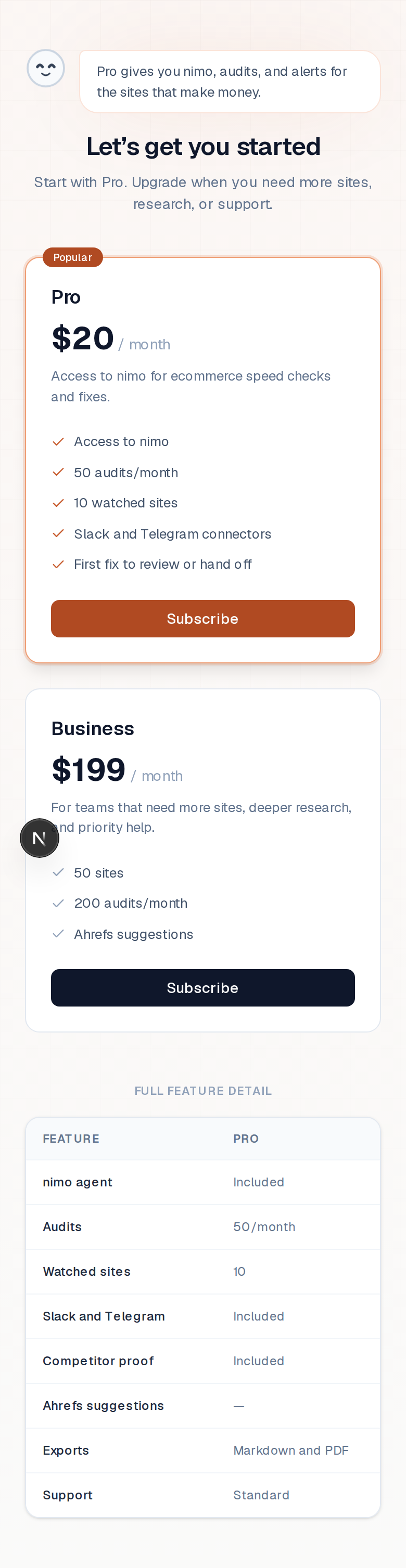
Before, the plan cards listed too many granular features and AI quota details. After, the primary paywall focuses on nimo as the agent, audits, watched sites, Slack/Telegram, and a first fix; the full feature detail sits below the cards.
Mobile Spot Checks


Capture Limits
- Before screenshots use origin/main plus the earlier old onboarding screenshots.
- After screenshots use the current PR branch.
- The homepage impact section is a local UI simulation for ecommerce framing; it does not use production analytics or claim guaranteed outcomes.
- Login, site creation, chat status, schedule save, audit trigger, and billing calls use disposable local mocks.
- No production data, live Slack/Telegram OAuth, billing, or database operations were used.